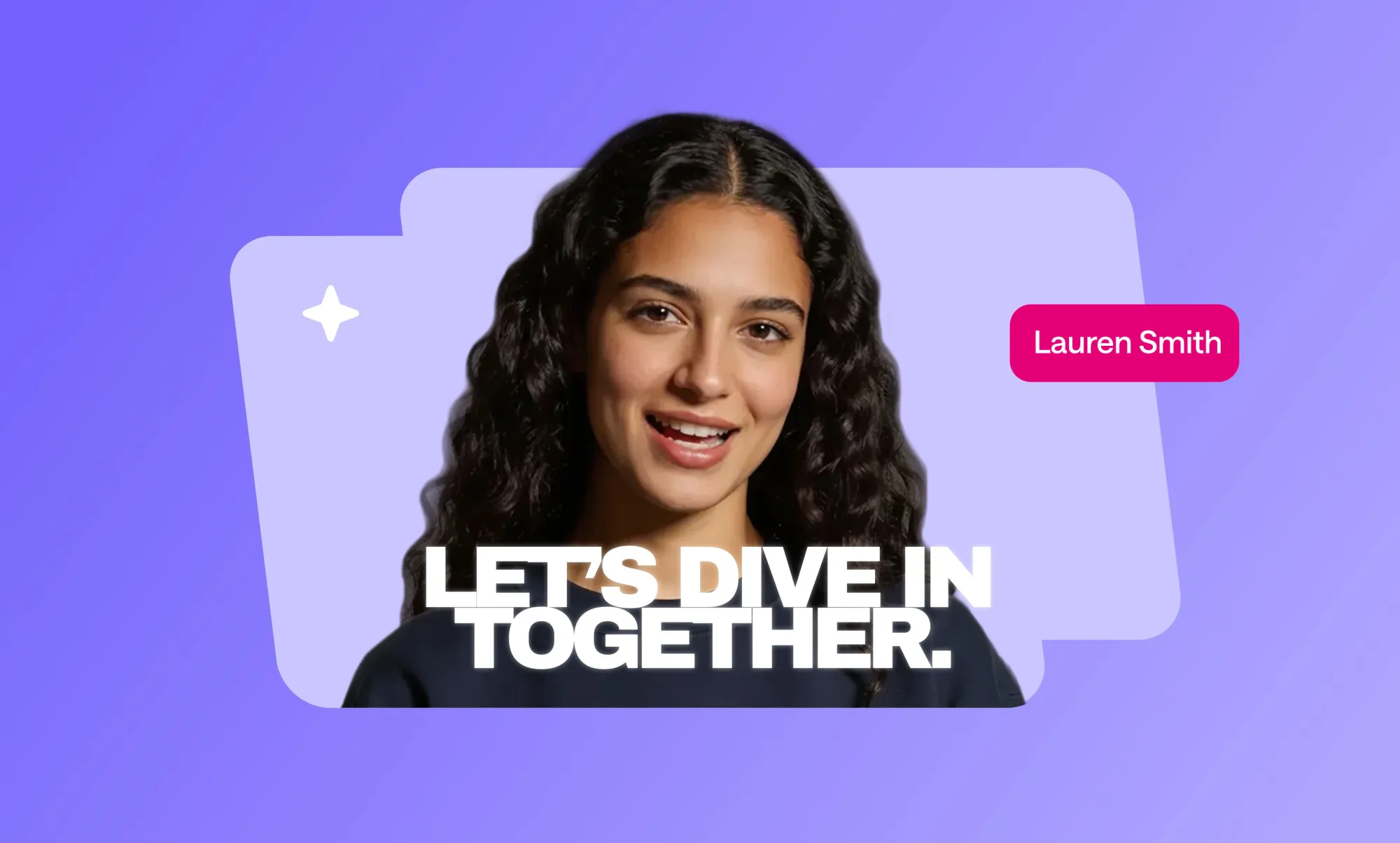
Training videos have become one of the most effective ways to support employee onboarding, especially as teams grow, roles diversify, and work becomes more distributed. Instead of relying on long documents or repeated live sessions, training videos help companies deliver consistent knowledge at scale while keeping new hires engaged from day one. In many cases, a well-structured training video can replace multiple live onboarding sessions while maintaining consistency across hires. When done well, training videos clarify expectations, reduce confusion, and help employees reach productivity faster. This article explores why onboarding matters, how training videos improve the experience, and how teams can create effective onboarding videos without overcomplicating the process.
The importance of employee onboarding
Employee onboarding sets the tone for everything that follows. It influences how confident a new hire feels, how quickly they understand their role, and how well they integrate into the company.
What is employee onboarding?
Employee onboarding is the structured process of helping new hires understand their responsibilities, tools, workflows, and company culture. It goes beyond paperwork and introductions. Effective onboarding aligns people with how work actually gets done and what success looks like in their role.
A strong onboarding process answers practical questions early. Where do I find resources? How do I use internal tools? Who do I go to for support? Training videos are especially useful here because they show real systems and real scenarios instead of describing them abstractly.
Why effective onboarding matters
When onboarding is unclear or inconsistent, new hires often feel lost during their first weeks. This can slow productivity, create frustration, and increase early turnover. Clear onboarding helps employees build confidence faster and reduces the need for constant clarification from managers or HR teams.
Effective onboarding also sets expectations early. Employees understand not only what to do but also how to do it within the company’s standards. This alignment matters long-term, and training videos make it easier to deliver that alignment consistently.
Benefits of using training videos for onboarding
Research on workplace learning shows that when training is delivered in microlearning formats, often including short video modules, 75% of learners report better knowledge retention, and 85% say the format is more engaging than traditional methods.
In addition, employees are about three times more likely to watch a video than read a text-based document for learning tasks, indicating that training videos can significantly increase learner engagement and information uptake.
Improved information retention
Training videos support both visual and auditory learning. Seeing a process while hearing it explained helps people remember steps more effectively than reading instructions alone. This is especially useful for tools, systems, and workflows that require demonstration.
Research shared by platforms like Harvard Business Review highlights that people retain information better when it is presented through multiple senses. Training videos naturally support this by combining visuals, narration, and real examples in context.
Flexible learning pace
One of the biggest advantages of training videos is flexibility. New hires can pause, rewind, and revisit content whenever they need. This is particularly valuable during the first weeks when information overload is common.
Instead of asking the same questions repeatedly, employees can refer back to onboarding videos as needed. This supports independent learning while reducing interruptions for managers and team leads.
Enhanced engagement through visuals
Training videos allow teams to show real environments, real tools, and real workflows. Screen recordings, walkthroughs, and example scenarios help employees connect information to their actual tasks.
Compared to static documents, visuals keep attention longer and make abstract processes easier to understand. Even simple videos with clear narration often outperform lengthy written guides in terms of engagement.
Cost-effectiveness of video training
While producing training videos requires some upfront effort, they quickly become cost-efficient. Once created, videos can be reused across multiple hires without repeating live sessions or rewriting materials.
As teams scale, training videos help onboarding grow without adding pressure on HR or managers. Updates can be made selectively when processes change, instead of rebuilding entire onboarding programs from scratch.
How to create training videos for onboarding
Creating effective onboarding videos does not require a complex production setup. What matters most is clarity, relevance, and structure. In practice, teams usually move faster when they have a simple training video creation guide to anchor decisions around structure and scope, especially during onboarding.
Step 1: Define your objectives
Start by defining what each training video should achieve. Every video should have a clear purpose. For example, teaching a new hire how to use an internal tool or explaining a specific workflow.
Clear objectives keep videos focused and prevent information overload. If a topic is broad, it is often better to split it into multiple short videos instead of one long session.
Step 2: Identify your audience’s needs
Different roles require different onboarding content. A new developer, marketer, or support agent will need distinct training videos tailored to their responsibilities.
Understanding experience levels also matters. Some new hires may be familiar with similar tools, while others are not. Training videos should assume basic competence without skipping critical context.
Step 3: Choose a video format
Different formats serve different onboarding goals. Screen recordings work well for software walkthroughs. Talking head videos help introduce teams, values, or expectations. Process walkthroughs combine visuals and narration to explain how tasks flow from start to finish.
Choosing the right format improves clarity and keeps production efficient. Many teams mix formats depending on the topic rather than forcing a single style across all training videos.
Resources for creating training videos for free
Producing training videos for onboarding often requires multiple tools to handle recording, editing, and visual support. These tools can be effective when chosen intentionally, especially when the goal is to create clear onboarding content without heavy production overhead. Many teams initially look for ways to create training videos for free before investing in more advanced workflows.
Free video editing tools
Basic editing tasks such as trimming, structuring content, adding captions, and maintaining consistency across onboarding materials are usually the first requirements teams face. Tools that support repeatable workflows tend to be more useful than those designed only for one-off recordings.
Async is used by teams that want to create structured training videos from scripts, internal documentation, or defined onboarding steps. This approach makes it easier to keep videos consistent and update them as tools or processes change.
Other free tools are often used alongside this workflow. OBS Studio is commonly used for screen recording and walkthroughs, while Loom is used for quick, informal recordings. For basic edits such as trimming or captions, teams sometimes rely on CapCut, though these tools are typically limited to individual videos rather than full onboarding libraries.
Stock footage and images
Some onboarding topics benefit from visuals that are not tied to a specific screen or internal tool. In these cases, stock footage and images help illustrate concepts, add context, or support explanations without requiring custom filming.
Async includes built-in stock visuals that teams can use directly when creating training videos. This allows onboarding content to combine real workflow demonstrations with supporting imagery in one place, without switching between external libraries or tools. Having stock assets available inside the editor helps teams move faster while keeping videos visually consistent.
Free external libraries such as Pexels and Pixabay are also commonly used when additional visuals are needed. These can complement Async’s built-in assets, particularly for generic scenes or background visuals, while core onboarding content remains focused on real tools and processes employees will use.
Recording and editing are only part of the onboarding equation. Training videos also need to be organized, reused, and updated as onboarding programs evolve, especially as teams grow or roles diversify.
Distribution and reuse of training videos
Async supports this stage by allowing teams to treat onboarding videos as living resources rather than static files. Videos can be re-edited, reused across roles, and kept aligned with current processes without rebuilding content from scratch.
Other platforms approach this need differently. Tools like TalentLMS or Docebo help distribute and reuse onboarding videos across roles, while tools such as Notion are often used to organize training resources in one place. In most cases, however, video updates still require external editing and re-uploading, which can slow maintenance over time.
For teams onboarding regularly, maintaining training content becomes just as critical as producing it.
Best practices for effective onboarding videos
Effective onboarding videos are not defined by production quality alone. What matters more is how clearly information is delivered, how easy it is to apply, and how well the content holds up over time. These best practices help teams create training videos that remain useful as onboarding programs grow and evolve.
Keep content concise and relevant
Each onboarding video should focus on a single topic or task. Trying to cover too much in one video often leads to confusion and lower retention, especially for new hires who are already processing a lot of information.
Short, focused videos make it easier for employees to find what they need and revisit specific topics later. This approach also makes content easier to update, since changes can be made to individual videos without affecting the entire onboarding flow.
Use a storytelling approach
Onboarding videos are more effective when information is presented in context rather than as a list of instructions. Using real scenarios, examples, or walkthroughs helps employees understand how concepts apply to their actual work.
This is why storytelling in content creation is especially effective in training videos, where employees need to connect information to real situations instead of memorizing isolated steps.
Include interactive elements
Even lightweight interaction helps reinforce learning. Prompting employees to pause and complete a task, reflect on a question, or follow a specific action after watching a video encourages active participation.
Some teams also pair onboarding videos with short quizzes or follow-up exercises to check understanding. These elements help ensure that training videos are not just watched but applied, which is ultimately the goal of effective onboarding.
Examples of successful onboarding training videos
Successful onboarding training videos help new hires understand culture, expectations, and daily work without overwhelming them. Real-world examples show that clarity and relevance matter more than high production value.
One example often cited is Trupanion, which uses interactive onboarding videos that include short scenarios and knowledge checks. These videos guide new hires through real situations they are likely to face, helping build confidence early rather than relying on passive viewing.
At Google, onboarding videos for interns focus on first-week experiences rather than policies. By combining employee perspectives with visuals of real work environments, these videos set expectations and reduce uncertainty while reinforcing company culture.
Netflix takes a different approach by using short, direct culture videos. Employee testimonials explain core values in practical terms, making abstract ideas easier to understand and remember.
A more informal style can be seen at Zappos, where onboarding videos highlight everyday interactions and team dynamics. This casual format helps new hires feel a sense of belonging without heavy production.
Across these examples, effective onboarding videos stay short, focus on one purpose, use real employee voices, and connect information directly to how work is done.
Final thoughts
Training videos have become a core part of effective employee onboarding because they combine clarity, consistency, and flexibility. When onboarding content is delivered through short, focused videos, new hires are able to learn at their own pace, revisit key information, and connect expectations to real work more quickly. The most successful onboarding programs treat training videos as living resources that evolve as teams, tools, and processes change.
As onboarding grows, many organizations adopt broader content production best practices to maintain speed and consistency across training materials. Platforms like Async fit naturally into this approach by helping teams manage onboarding content over time while keeping it clear, consistent, and easy to maintain.
Berita Terkini
Berita Terbaru
Daftar Terbaru
News
Jasa Impor China
Berita Terbaru
Flash News
RuangJP
Pemilu
Berita Terkini
Prediksi Bola
Technology
Otomotif
Berita Terbaru
Teknologi
Berita terkini
Berita Pemilu
Berita Teknologi
Hiburan
master Slote
Berita Terkini
Pendidikan
Resep
Jasa Backlink
Slot gacor terpercaya
Anime Batch
