
You can spend days or even months working on a YouTube video, but if no one sees it, it’s worthless. That’s why optimizing your content is so important. But doing it manually without any help is nearly impossible. So, sooner or later, you’ll need effective YouTube SEO tools.
While there are many solutions out there, not all of them will work for you. Moreover, you can start literally for free. Yes, you’ve read that right: there are plenty of native Google and YouTube tools. So, today, we’re going to cover:
• Best free software to optimize your channel.
• Top YouTube-first solutions to make your videos more visible.
• More advanced tools if you want to take your rankings and marketing to the next level.
First, let’s review the free solutions. They will be especially useful for those who just want to become a YouTuber. But even pros will find them valuable, as these are basically fundamental for any creator.
1. YouTube Studio
Optimization on YouTube is different from traditional SEO. In search engines like Google or Bing, you’d normally care about link building and technical optimization. Of course, if you want to use YouTube as an advertising channel, you can buy backlinks for referral traffic.
But in general, on YouTube, you have to focus on your CTR, watch time, audience retention, engagement, etc. And this is where YouTube Studio can help you a lot. It’s a great place to start your analytics and research journey.
There are several useful features to help you better understand what your audience wants:
• Analytics. Reviewing all your basic metrics (CTR, watch time, etc.) on your videos can help you understand what performs better.
• Trends. Understand what your viewers are searching for and tailor your content better.
• Inspiration. This data-driven feature gives you access to AI functionality, helping you brainstorm video ideas.
2. YouTube search and autocomplete
YouTube autocomplete is basically you starting to type a keyword/topic in the search bar and seeing some suggestions to complete your query. This is a basic feature that can be really helpful for ideation.
The suggestions you get are a combination of:
• The language and location of the query,
• Trending topics related to your keyword,
• Your past searches and personalized predictions (if you’re signed in).
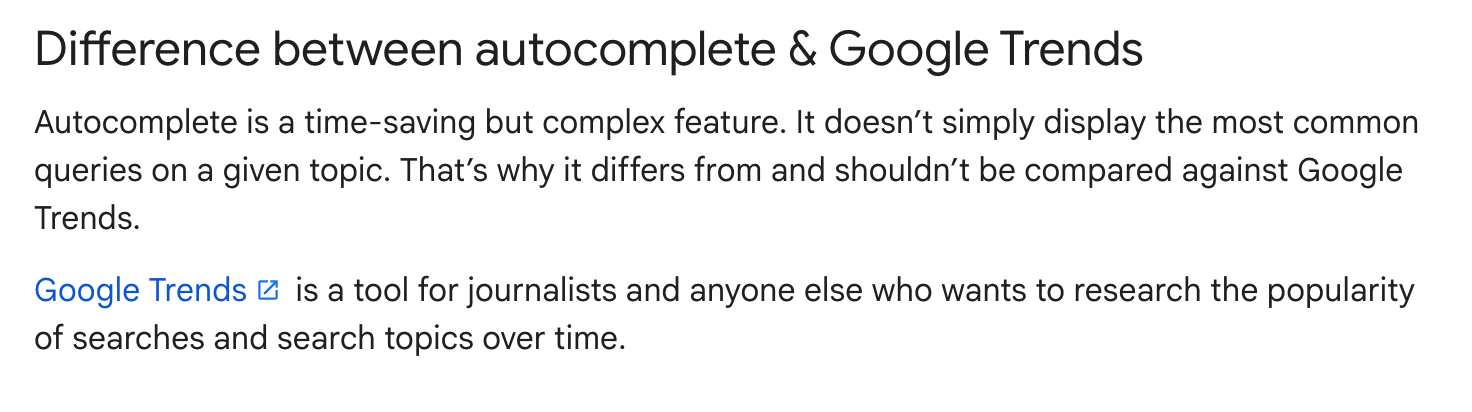
So, as you see, it isn’t just what’s trending. And while it’s a good tool to get a bigger picture or just note some quick ideas, it isn’t the most representative option if used alone. And it definitely won’t replace Google Trends:
Source: Google
Now, it only seems logical to mention Google Trends, right?
3. Google Trends (YouTube Search filter)
Source: Google
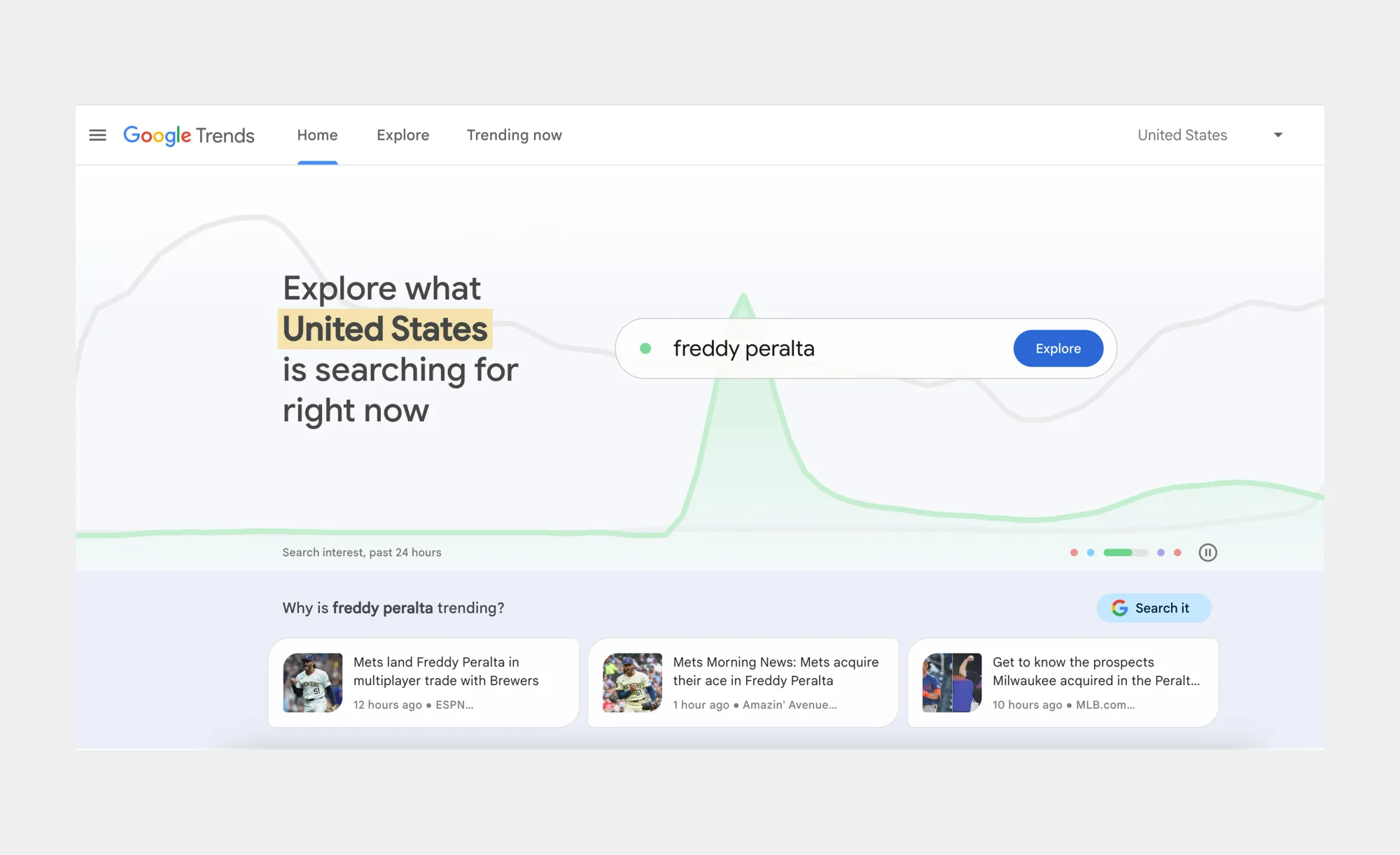
Google Trends is one of the best and easiest ways to see what people are searching for now. It’s a great free solution to help you find popular topics for your content plan. You can adjust this data based on region, category, and timeline.
Besides, it allows you to:
• Check related topics and queries,
• Discover the information by subregion,
• And compare different terms.
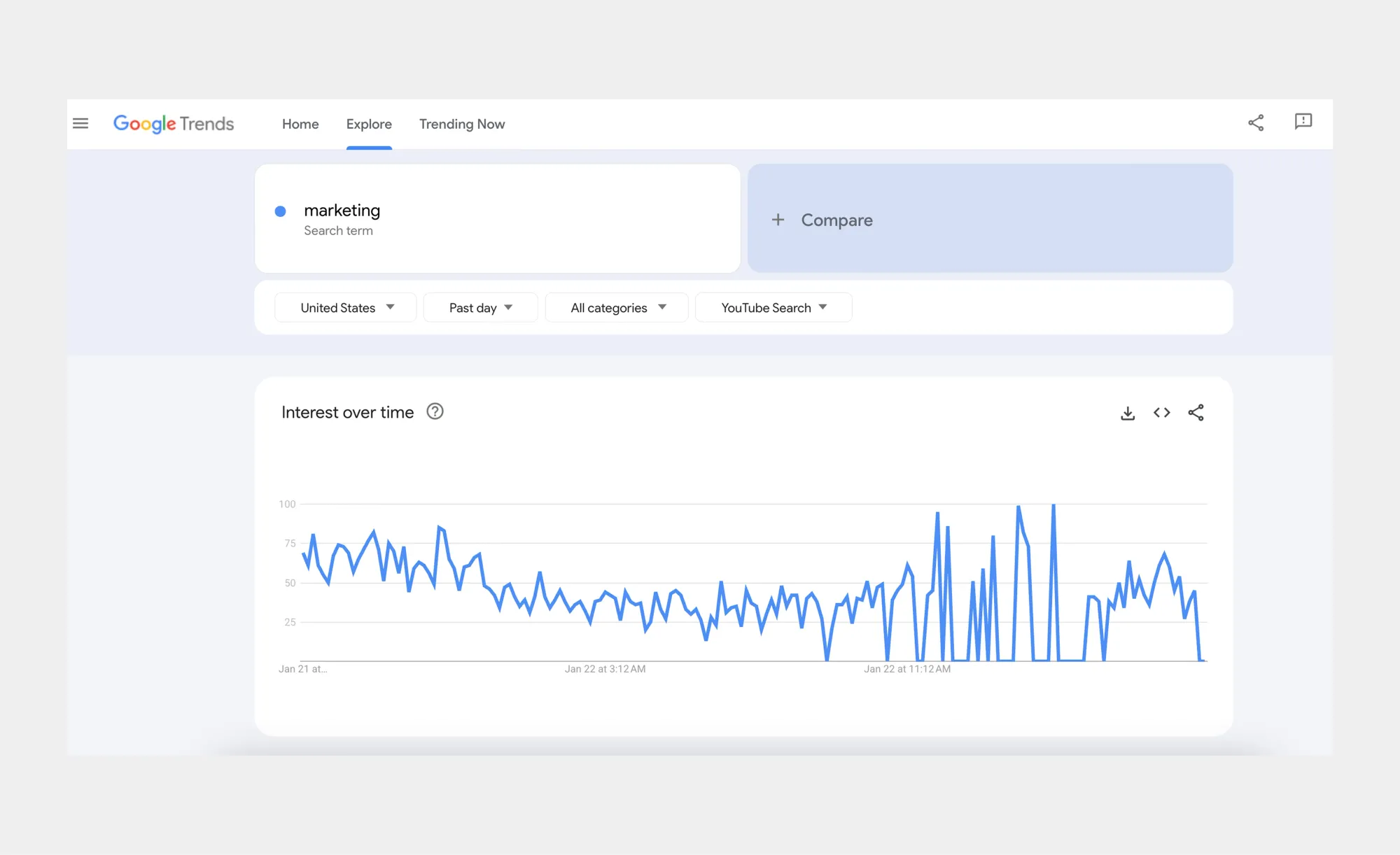
You can use it as is to assess the overall trend, or select “YouTube Search” from the dropdown to find topics relevant to YouTube in particular.
Source: Google
4. YouTube’s Test and Compare
It’s safe to say that many creators don’t use this native YouTube feature yet, as it’s quite recent. But it is really effective for your A/B testing. Initially, YouTube tested this option with a limited group. Yet, now, if you have access to advanced features in YouTube Studio, you can access this, too.
Essentially, this SEO tool for YouTube (and by YouTube) does the following:
• Compares the performance of up to three titles, thumbnails, or their combination within a period of up to two weeks.
• Notifies you about the winning option with the highest proportion of watch time and shows it to viewers.
If all of the options had a similar share of watch time, the first one would be shown to viewers by default. But you can change the selection manually any time.
YouTube-first solutions
This is a special category, since every tool below is YouTube-first. They were created particularly to help people grow their channels.
5. TubeBuddy
Source: TubeBuddy
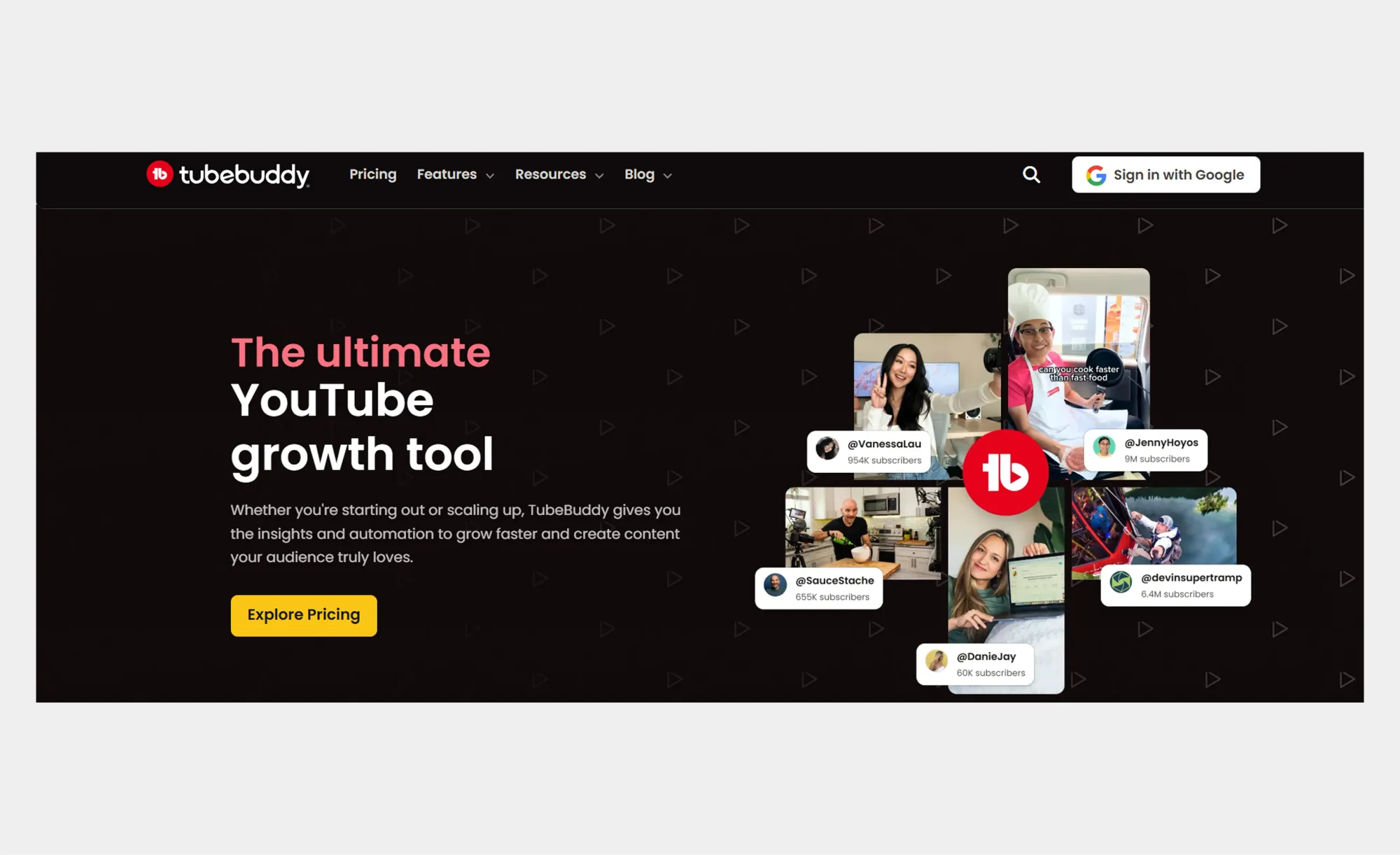
TubeBuddy is an extension that helps you with many things SEO, including keyword research, search rank tracking, A/B testing, etc. With its data, you can clearly understand what you can do to rank higher.
Besides, if you’re interested in expanding to other regions, there is an Auto Translator feature. It helps you automatically translate your video titles and descriptions into multiple languages. As a result, your content will be more easily accessible worldwide.
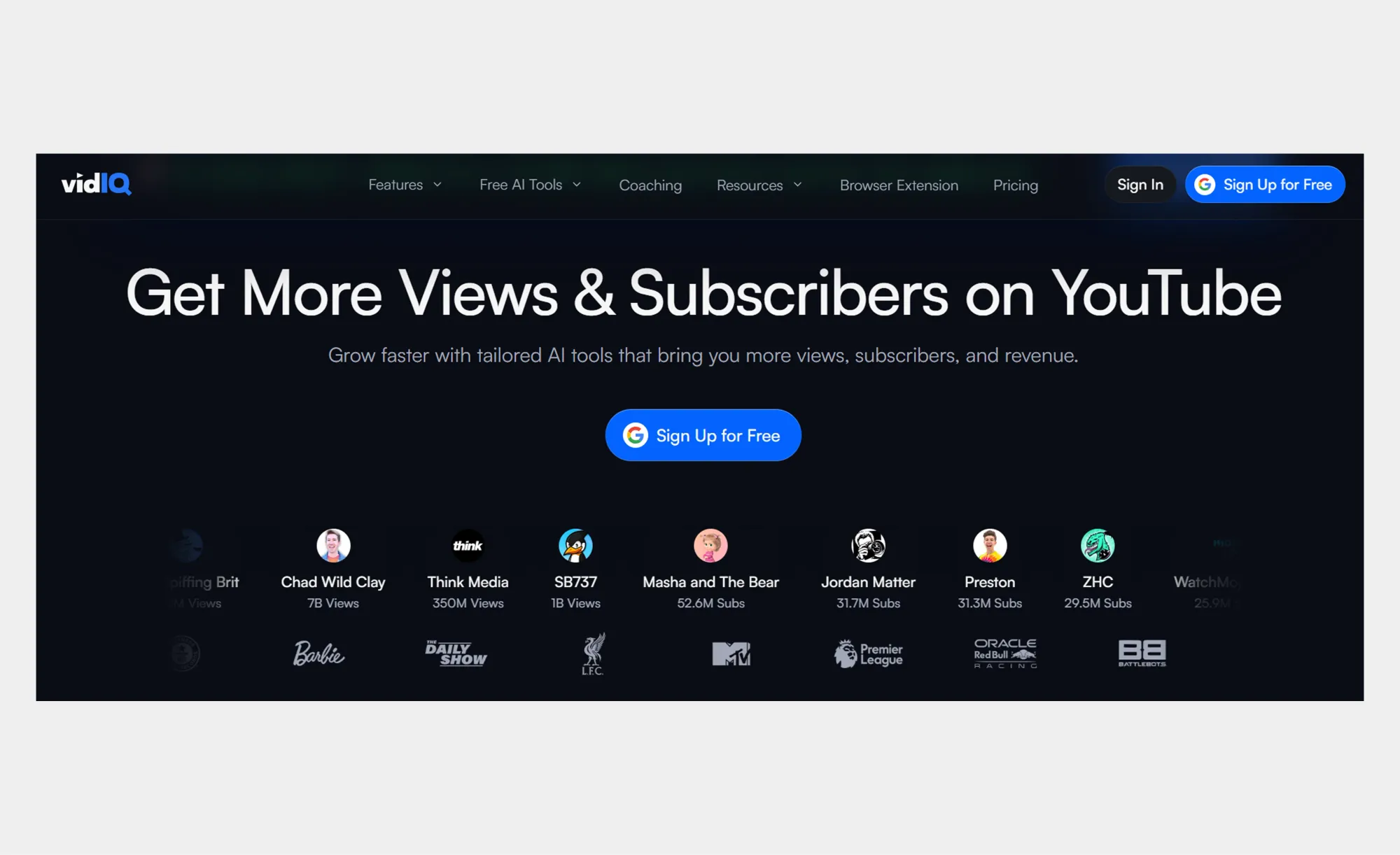
6. vidIQ
Source: vidIQ
vidIQ is another popular YouTube-first tool with quite diverse functionality that goes beyond just SEO. It helps you:
• Find keywords for your content.
• Optimize your thumbnails and titles.
• Analyze best-performing videos in your niche.
• Write scripts and descriptions.
• Create AI short clips from your long-form content.
There is also a Google Chrome extension to help you optimize your videos without leaving YouTube. A great benefit is that there is a forever-free plan that still gives you access to many useful features.
And if you’re looking for AI elements, there’s an AI Coach. It’s a chat-style assistant that gives you optimization ideas in a conversational way. For those who want to explore more AI-powered SEO tools, GraffersID also recommends trying Wellows, SE Ranking, and Frase.
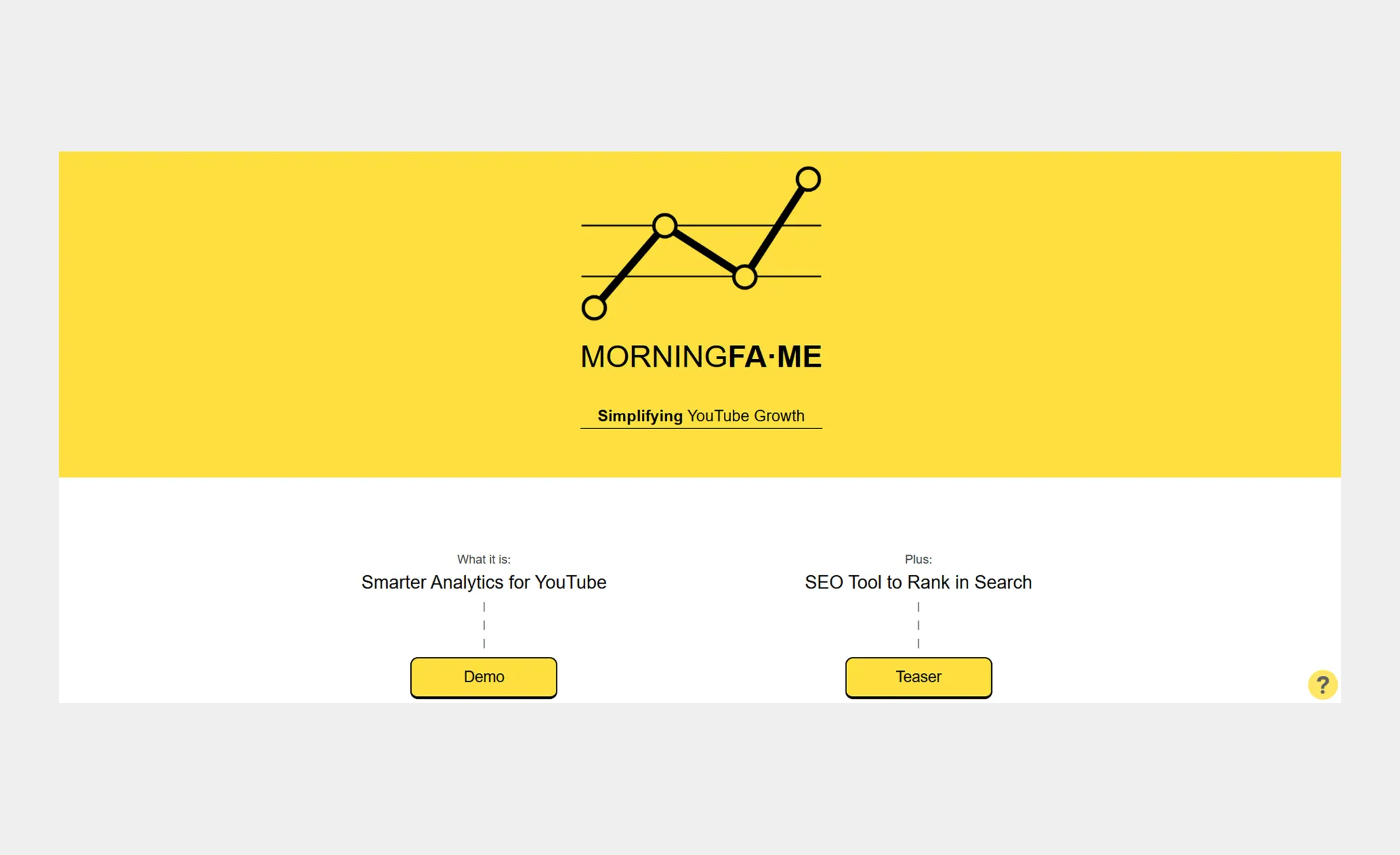
7. Morningfame
Source: Morningfame
Morningfame is a YouTube SEO tool that helps you look at the bigger picture of your growth. Instead of concentrating on each video alone, it focuses on your channel as a whole. Overall, it:
• Compares your channel with other similar-sized channels and gives you personalized recommendations.
• Analyzes all your videos and clearly shows you what worked and what didn’t.
• Helps you optimize your content for YouTube search.
It’s an invite-only tool, and in order to join, you’ll need a code. But if you don’t have it, you can simply find a YouTuber who recommended Morningfame. Just search for “morningfame review” or anything similar on YouTube.
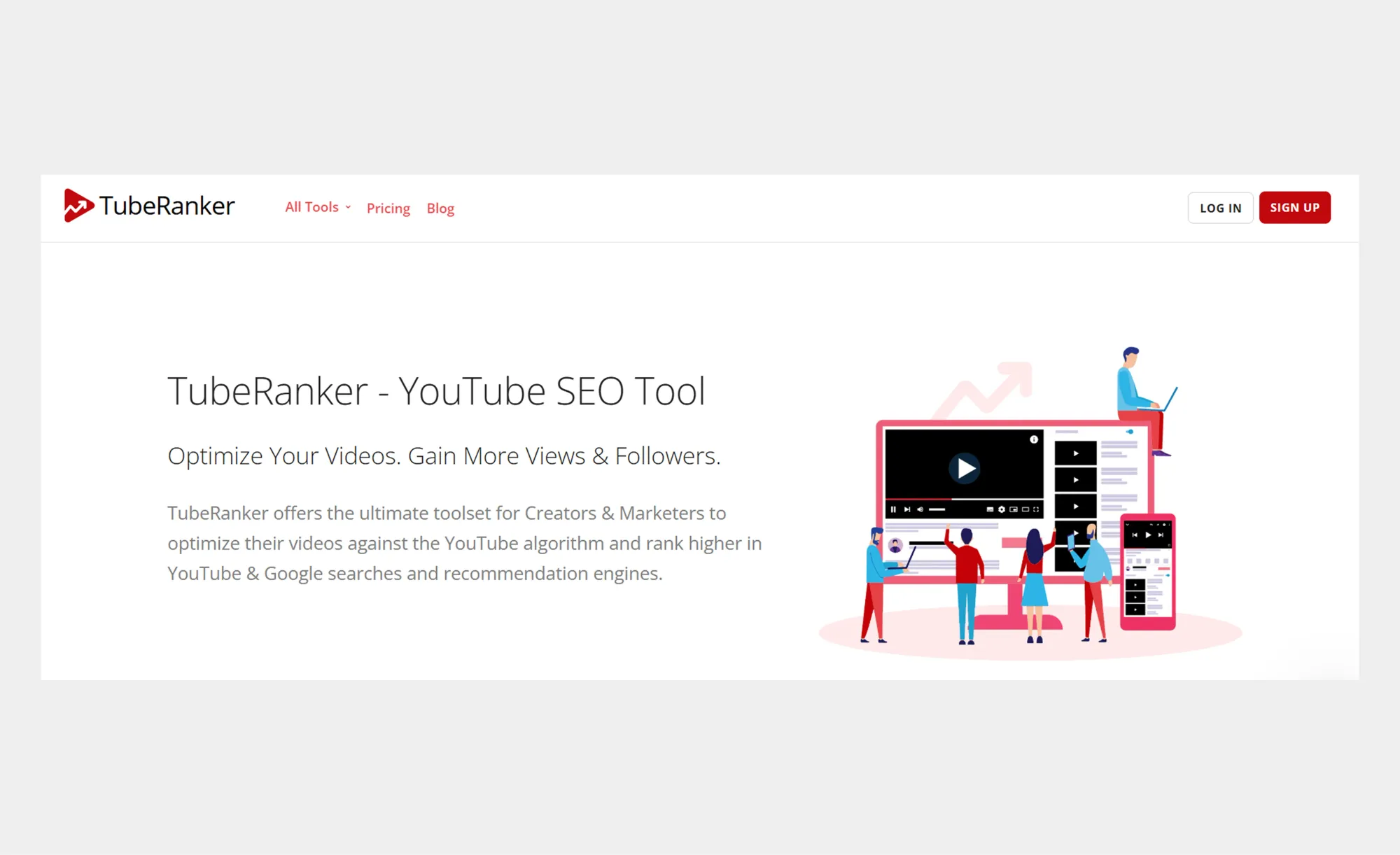
8. TubeRanker
Source: TubeRanker
Unlike most other tools in this section, TubeRanker is focused on SEO only. You won’t find any fancy AI features here or short-form clip makers, but you’ll still get a solid foundation for your video optimization:
• YouTube tag generator and extractor (from your competitors’ or other channels).
• Channel audit to assess your overall performance.
• Keyword research tool with search volume.
• Rank tracker to check whether your video optimization is helping.
• Title and description generator to improve your CTR and discoverability.
Advanced YouTube SEO software for every task
If you are far from being a beginner, your YouTube channel SEO tools will also be more advanced. Here, we’ve selected some of the most effective options to help you level up and understand how to go viral more easily.
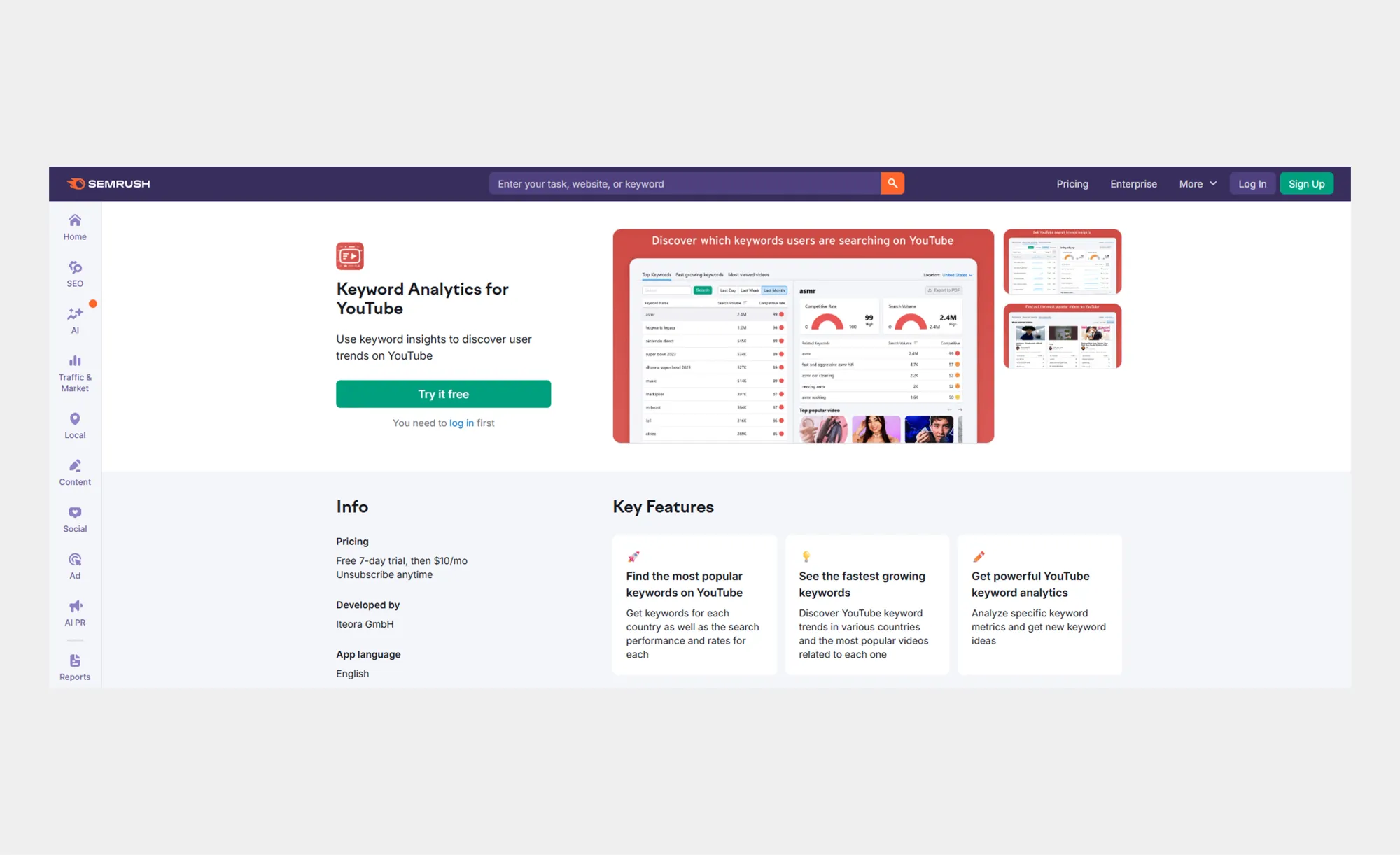
9. Semrush for keyword research
Source: Semrush
Semrush is a big name in the SEO world. And you’ve probably heard of it, even if you have nothing to do with search optimization.
You can use the main functionality of this tool to discover keywords and find what brands are getting the most traffic and why. But it is quite pricey, and it also has many features you don’t need if you only work on a YouTube channel.
So, there is a great alternative: Semrush Keyword Analytics for YouTube. It’s an extremely affordable tool (priced at $10/month) that allows you to:
• Find new keyword ideas and check the fastest-growing queries.
• Target low-competition, high-volume keywords.
• See the top videos for each query.
Basically, it covers everything you need in terms of keyword research. But it doesn’t go beyond that.
10. Viewstats for analytics and benchmarking
Source: Viewstats
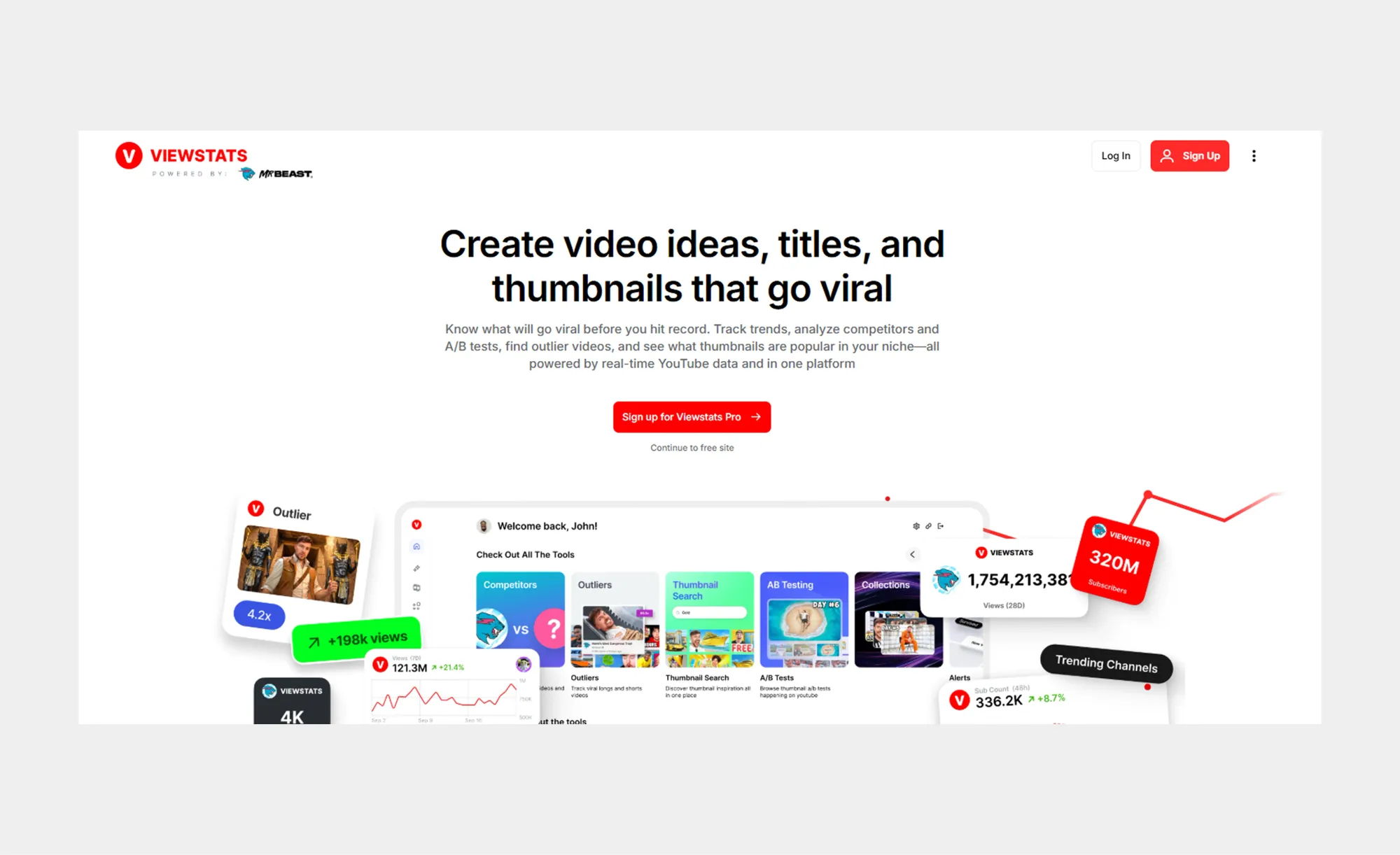
Viewstats is a tool created by the team behind the MrBeast channel. As they put it, “We decoded the MrBeast formula into tools any channel can use.” Regardless, it’s YouTube SEO software that allows you to get deep analytics and see what works for others.
This solution covers everything you need for organic growth on YouTube. You can:
• Discover viral videos to apply the same principles to your own content.
• Analyze high-performing YouTube thumbnails in your niche.
• See what your competitors are doing well.
The platform claims to know exactly what you need to go viral, as their tool is trained on the “largest dataset in the industry,” processing 2,500x more datapoints than other software.
11. Thumbnail Test for advanced A/B testing
Source: Thumbnail Test
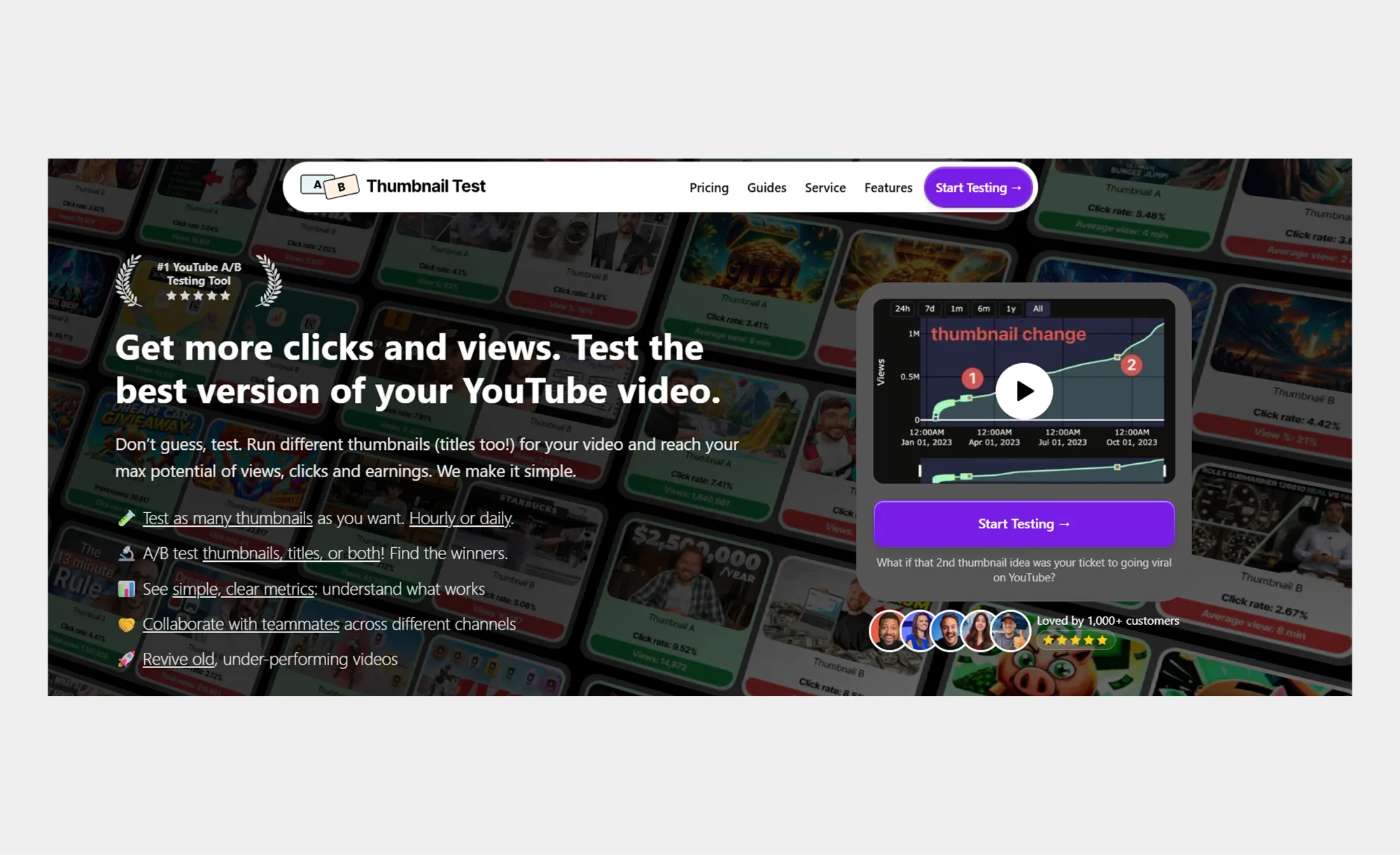
For many creators, YouTube’s Test and Compare, which we’ve mentioned above, would be more than enough. But if you want to try something different for your title and thumbnail A/B testing, the Thumbnail Test solution could be for you.
Its name is quite descriptive: this tool helps you understand what can drive more clicks and increase your view count. Their system works in 3 easy steps:
1. You add thumbnails and titles.
2. The solution’s algorithms test different versions.
3. You check what’s working best.
It all starts with a great video and Async
Today, we’ve seen some of the best YouTube SEO tools. While they will definitely help you improve your performance, in the long run, no optimization matters if your content isn’t good. That’s why, if there is one thing every creator should focus on, it is the quality of their videos.
With Async, you get audio and video creation on one platform. You can record, edit, and publish content directly from your browser. And to achieve a professional result, you don’t need any gear. So, whether you’re a beginner or a pro, you can create extremely high-quality content.
News
Berita Teknologi
Berita Olahraga
Sports news
sports
Motivation
football prediction
technology
Berita Technologi
Berita Terkini
Tempat Wisata
News Flash
Football
Gaming
Game News
Gamers
Jasa Artikel
Jasa Backlink
Agen234
Agen234
Agen234
Resep
Download Film
